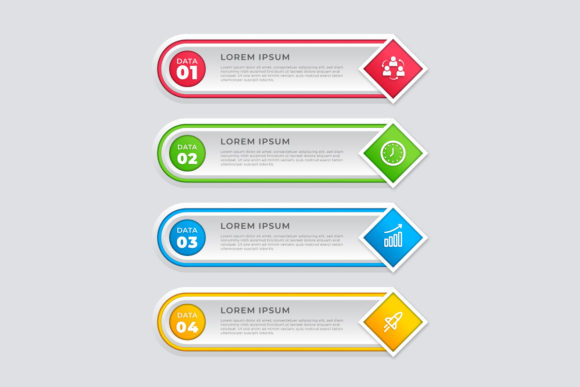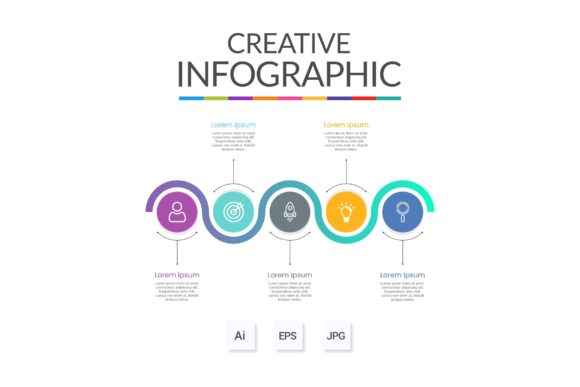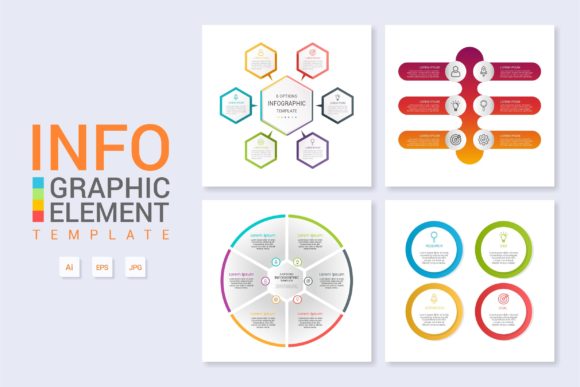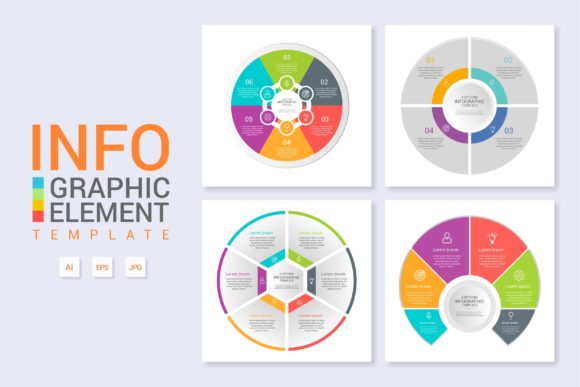
Infographic Template Vol.1: Design Smarter
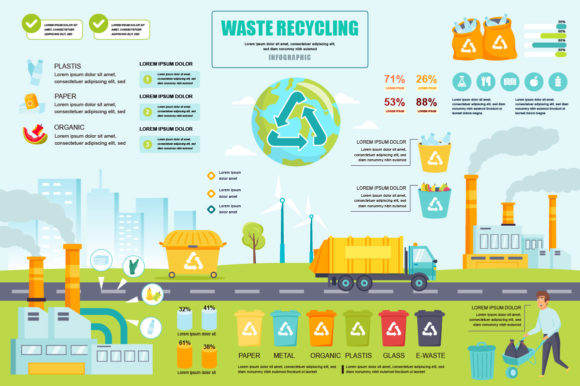
Visual communication often fails not because of bad ideas, but because of poor structure. When data lacks hierarchy or workflows appear cluttered, the audience disengages regardless of how valuable the information is. Infographic Template Vol.1 addresses this specific friction point by providing a pre-architected visual foundation. It is more than a collection of shapes; it is a systematic approach to organizing complex information into digestible, professional layouts. For creators and business professionals, this template serves as a bridge between raw content and polished presentation, eliminating the blank canvas paralysis that often stalls creative projects.
The Architecture of Organized Layers
The primary advantage of working with Infographic Template Vol.1 lies in its technical construction. Professional design files can quickly become unmanageable nests of unnamed layers and grouped objects. This template distinguishes itself through rigorous organization. Every element is layered logically and named intuitively, allowing you to navigate the Main AI and EPS files without guesswork. This structural clarity is essential when deadlines are tight or when multiple stakeholders need to review the file.
Because everything is organized, modification becomes a streamlined process rather than a forensic investigation. You can isolate specific sections of a workflow diagram or banner without accidentally shifting adjacent elements. This level of control ensures that your final output remains consistent and clean, even after significant customization. The included free fonts further reduce friction, ensuring that typography renders correctly across different systems without requiring additional licensing or downloads.
Transforming Workflows and Processes
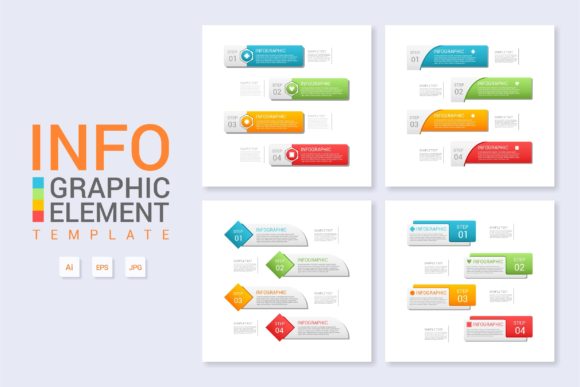
One of the most practical applications for this template is visualizing operational workflows. Whether you are documenting an internal SOP, explaining a user journey, or mapping out a content production pipeline, clarity is paramount. Infographic Template Vol.1 provides modular components that can be rearranged to reflect linear, cyclical, or branching processes.
- Onboarding Guides: Create step-by-step visual guides for new employees that reduce text-heavy documentation.
- Service Explanations: Break down complex consulting or technical services into understandable phases for potential clients.
- Product Roadmaps: Visualize development timelines and milestones for stakeholder presentations.
- Decision Trees: Map out troubleshooting logic or customer support escalation paths clearly.
When adapting these layouts, focus on reducing cognitive load. Use color coding within the template to differentiate stages or departments, but maintain sufficient contrast for accessibility. The goal is to make the process feel manageable and transparent to the viewer.
Versatility Across Digital Formats
While primarily designed as an infographic tool, the flexibility of Infographic Template Vol.1 extends to broader web design and digital marketing needs. The vector-based nature of the Main EPS and AI files means assets can be scaled indefinitely without quality loss, making them suitable for everything from social media cards to large-format web banners.
For bloggers and content marketers, individual modules from the template can serve as featured images or section breakers within long-form articles. Instead of using generic stock photography to illustrate abstract concepts like "strategy" or "growth," use customized diagram elements that directly relate to your text. This improves both aesthetic cohesion and reader retention. Entrepreneurs and small business owners can repurpose banner layouts for landing pages, creating custom value proposition graphics that align perfectly with their brand identity without hiring an agency.
Educational and Instructional Applications
Educators, trainers, and hobbyists sharing knowledge online face the unique challenge of simplifying expertise without diluting accuracy. Infographic Template Vol.1 offers a structured container for educational content. The clean lines and organized spacing help separate distinct concepts, making study materials or tutorial visuals easier to scan and memorize.
Consider how different learning styles interact with visual information. Some learners benefit from chronological flows, while others prefer comparative charts. By utilizing the varied layout options within this volume, instructors can present the same core material in multiple formats to reinforce understanding. Publishers and course creators can establish a consistent visual language across modules, helping students orient themselves within the curriculum through familiar design cues.
Maintaining Brand Consistency and Originality
A common concern with templates is the risk of producing generic-looking work. However, Infographic Template Vol.1 is designed as a starting framework, not a finished product. To ensure your designs remain original and aligned with your specific goals, treat the template as a skeleton upon which you apply your unique brand DNA.
- Establish a Color System: Before modifying content, define a restricted palette based on your brand guidelines. Apply these colors globally to maintain harmony.
- Typography Hierarchy: While free fonts are included, consider swapping them for your brand’s typefaces to ensure voice consistency. Adjust sizing and weight to create clear distinctions between headers, subheaders, and body copy.
- Iconography Style: Ensure any icons added match the stroke weight and style of the existing template elements. Mixing 3D renders with flat line art creates visual discord.
- White Space Management: Resist the urge to fill every empty area. The template’s negative space is intentional; preserving it keeps the design breathable and professional.
By adhering to these principles, you leverage the efficiency of the template while producing assets that feel bespoke and authoritative. This balance is crucial for freelancers and agencies delivering work to clients who expect high-quality, customized results.
Practical Tips for Effective Modification
To get the most out of the easy-to-modify features, adopt a non-destructive editing workflow. Always save a master copy of the original Main AI File before beginning customization. Use layer comps or artboards to explore different variations of a layout without duplicating entire files. This allows you to A/B test different information hierarchies or color schemes efficiently.
When changing text, be mindful of copy length. Templates are designed with specific character counts in mind. If your content exceeds the allocated space, edit the copy for conciseness rather than shrinking the font size to illegibility. Good infographic design forces clarity in writing. If a sentence cannot fit comfortably within the designated module, it likely needs to be simplified or moved to a supporting document. This constraint ultimately leads to better communication.
Strategic Value for Modern Creators
In an era where attention spans are fragmented, the ability to convey information quickly and beautifully is a competitive advantage. Infographic Template Vol.1 empowers users across the spectrum—from solo entrepreneurs to established publishers—to produce professional-grade visual assets without the steep learning curve of building diagrams from scratch. It democratizes good design by handling the structural heavy lifting, allowing you to focus on the substance of your message.
Whether you are designing a comprehensive annual report, a simple social media explainer, or an intricate technical diagram, the underlying organization and versatility of this template provide a reliable foundation. By combining technical ease with creative flexibility, it supports a workflow that is both efficient and inspiring. Ultimately, the value lies not just in the files themselves, but in the confidence they provide to communicate complex ideas with clarity and impact.