Infographic Template Vol.22: Visual Workflow Design
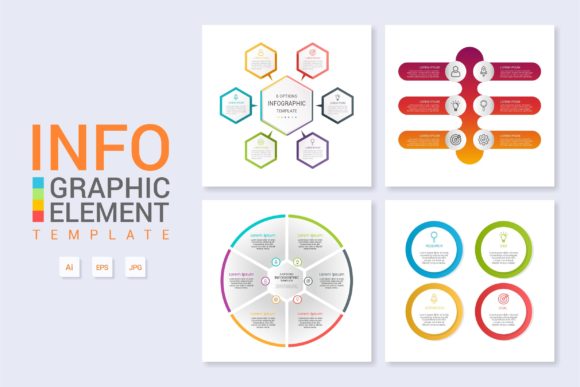
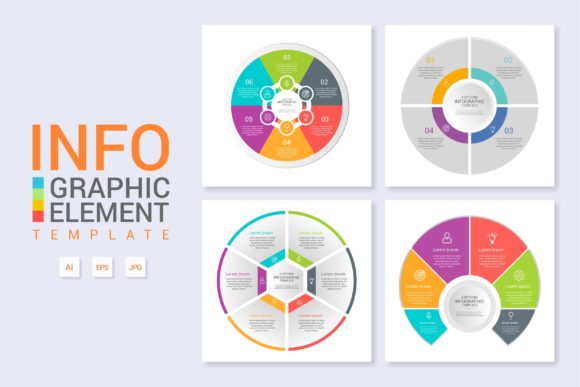
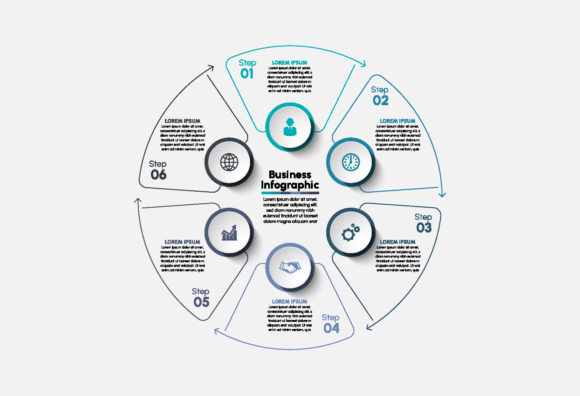
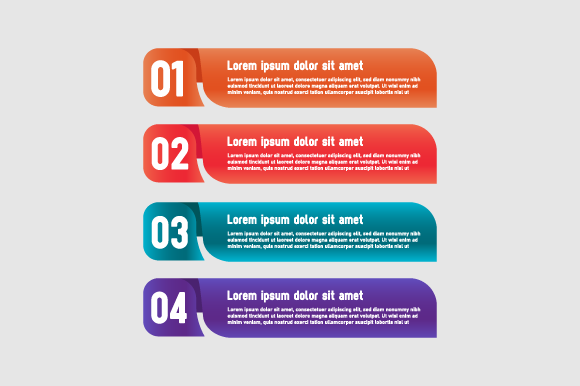
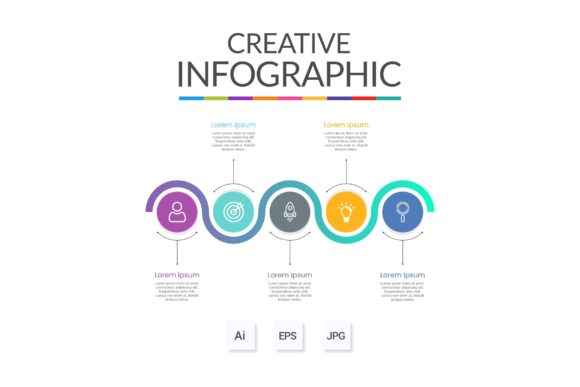
Visual communication often fails not because the data is flawed, but because the presentation lacks structure. Infographic Template Vol.22 addresses this specific friction point by providing a pre-architected framework for displaying complex information. Rather than staring at a blank artboard, users receive a comprehensive "About the Product" layout that serves as a foundational skeleton for workflows, banners, and technical diagrams. This template is designed to bridge the gap between raw content and polished web design, offering a versatile canvas that adapts to various narrative needs without requiring advanced illustration skills.
Diverse Applications Across Skill Levels
The value of a design asset like Infographic Template Vol.22 shifts dramatically depending on who is using it and what they are trying to achieve. A uniform tool does not yield uniform results; instead, it acts as a multiplier for existing intent and capability.
For Beginners and Non-Designers
If you have never opened Adobe Illustrator or feel intimidated by vector graphics, this template functions primarily as an educational scaffold. The priority here is ease of use and learning value. Because everything is layered and organized, beginners can reverse-engineer professional design techniques simply by exploring the file structure.
- Understanding Hierarchy: By observing how text sizes and color blocks are arranged, new users learn visual weight without studying theory textbooks.
- Safe Experimentation: Since the main AI and EPS files are fully editable, users can practice modifying shapes and typography without the risk of breaking a complex custom illustration.
- Confidence Building: Simply changing the text to see immediate, professional results helps overcome the initial paralysis many face when starting a creative project.
For this group, the template is less about speed and more about establishing a baseline standard for what good information design looks like.
For Professionals and Agencies
Experienced designers and marketers evaluate Infographic Template Vol.22 through the lens of efficiency and reliability. When facing tight deadlines for web design or client presentations, building a workflow diagram from scratch is rarely a viable option. Here, the template serves as a production accelerator.
The organized layering is critical for professionals who may need to hand off files to colleagues or clients later. A messy file creates technical debt; a clean file ensures long-term usefulness. Professionals also appreciate the inclusion of both Main AI and Main EPS formats, ensuring compatibility across different software versions and workflows. For an agency creating multiple "About Us" pages or product breakdowns, this template provides a consistent visual language that maintains brand cohesion while drastically reducing billable hours spent on structural layout.
Evaluating Priorities: What Matters Most?
Different projects demand different metrics of success. Understanding your primary constraint helps determine if this specific volume aligns with your current goals.
Speed vs. Customization
If your primary goal is publishing a blog post or internal memo within the hour, the "simply change the text" feature is the deciding factor. The template allows for rapid deployment where content accuracy matters more than bespoke artistic flair. However, if you are designing a flagship product launch banner, you will likely prioritize flexibility. In this scenario, the vector-based nature of the EPS and AI files allows you to deconstruct the template entirely, repurposing its elements to create something unique while retaining the underlying grid system.
Presentation Quality vs. Cost Efficiency
Small business owners and freelancers often operate with limited budgets. Hiring a custom illustrator for a single workflow diagram is cost-prohibitive. Infographic Template Vol.22 offers high commercial value by providing agency-level aesthetics at a fraction of the cost. Conversely, educators and non-profit organizers might prioritize accessibility and clarity over commercial polish. For them, the template’s structured layout ensures that students or stakeholders can follow a process logically, making the information digestible regardless of the viewer's background.
Practical Use Cases by Audience
To visualize how this asset fits into real-world scenarios, consider these distinct applications:
- The SaaS Entrepreneur: Needs to explain a software onboarding process on a landing page. They use the workflow layout features to map out user steps, replacing placeholder text with specific API integration points. The clean lines convey technical competence.
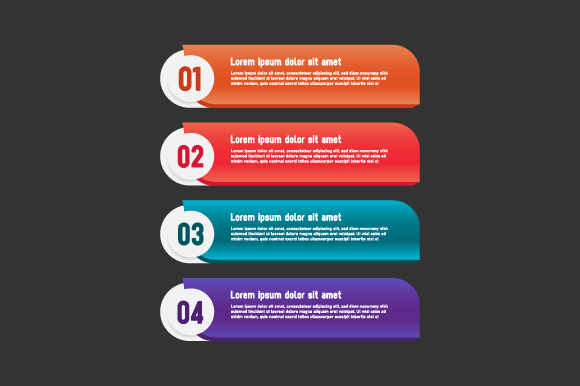
- The Educator: Creating a syllabus or lesson plan overview. They utilize the banner format to highlight key learning objectives for the semester. The organized layers allow them to quickly swap out dates and module names each term without redesigning the header.
- The Content Creator: producing a YouTube video or podcast show notes. They need a visually engaging thumbnail or companion graphic. The "About the Product" style is repurposed to showcase equipment specs or guest bios, leveraging the template’s balanced composition to retain viewer attention.
- The Corporate Trainer: Developing internal compliance documentation. They require a diagram that breaks down safety protocols. The vector format ensures the graphics remain crisp whether viewed on a mobile device or printed on a large poster for the breakroom.
Technical Features That Support Creativity
Beyond the visual output, the technical construction of Infographic Template Vol.22 dictates the user experience. The promise that "everything is layered and organized" is not merely a convenience; it is a prerequisite for collaborative work. When layers are named and grouped logically, multiple team members can work on the same asset without confusion.
The inclusion of free fonts removes another common barrier. Licensing issues can stall projects or lead to legal complications down the line. By utilizing accessible typography, the template ensures that the design remains portable and reproducible. Furthermore, having both AI and EPS files future-proofs the asset. While AI is the native format for editing, EPS remains the industry standard for scalability and cross-platform sharing, ensuring that your workflow diagram looks identical whether opened in Illustrator, CorelDRAW, or imported into web design tools like Figma or Sketch.
Is This Template Right for Your Project?
Before downloading, assess your specific needs against the template's strengths. Infographic Template Vol.22 is ideal if you need to present structured data, define processes, or introduce products with a clean, modern aesthetic. It is particularly well-suited for those who value organization and editability over abstract art.
However, if your project requires hand-drawn textures, complex 3D rendering, or highly specific data visualization charts (like dynamic pie charts linked to live spreadsheets), this template should serve only as a stylistic starting point rather than a complete solution. Ultimately, the best design assets are those that reduce cognitive load for both the creator and the viewer. By providing a reliable, modifiable structure, this template allows you to focus on the message rather than the mechanics of alignment and spacing, making it a practical addition to any digital creator’s toolkit.