Infographic Template Vol.17: Visual Workflow Design
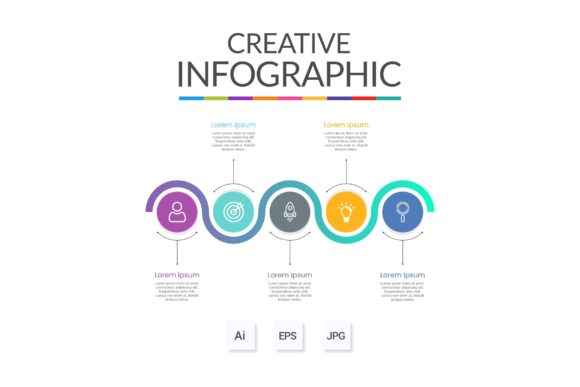
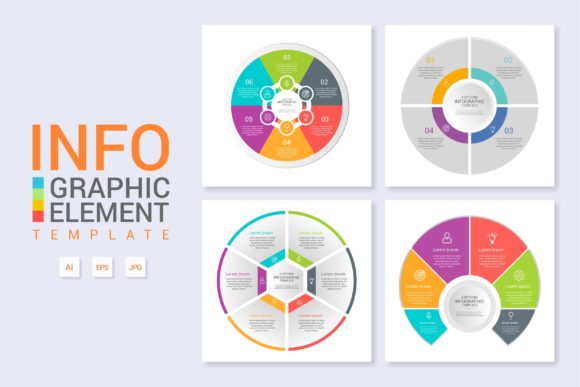
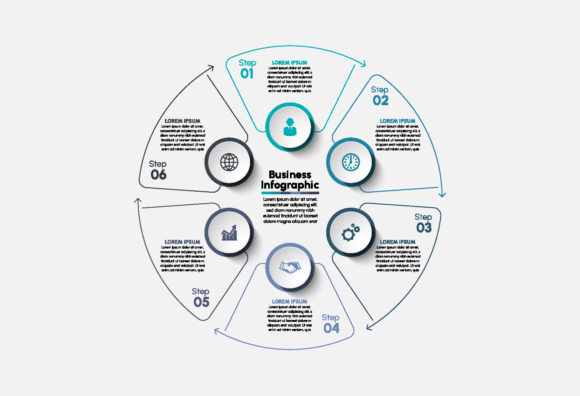
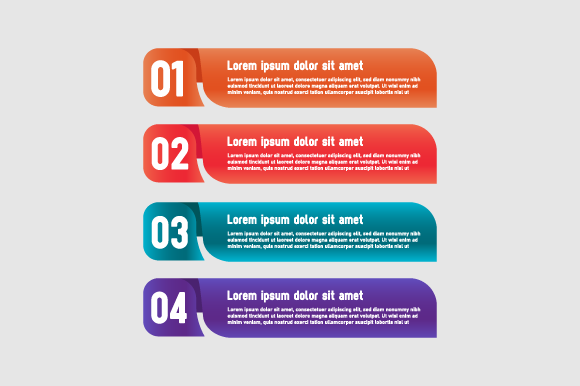
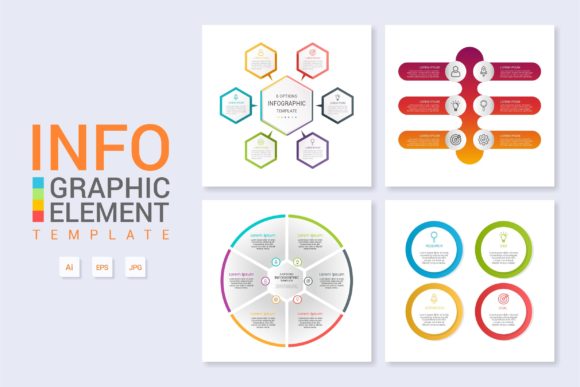
Visual communication often bridges the gap between complex data and human understanding. Infographic Template Vol.17 serves as a structured foundation for this translation, offering a versatile layout specifically engineered for workflow diagrams, process banners, and technical explanations. Rather than starting from a blank canvas, this resource provides a pre-organized architecture that respects both aesthetic principles and functional clarity. It is designed to be more than just a pretty picture; it is a practical tool for conveying information efficiently across digital and print mediums.
The value of such a template shifts depending on who is using it and what they aim to achieve. A marketing director might see a brand consistency tool, while a software engineer sees a way to document system architecture without needing graphic design skills. Understanding these distinct perspectives helps clarify whether this specific volume aligns with your current project requirements and long-term creative workflow.
Diverse Applications Across Skill Levels
One of the primary advantages of Infographic Template Vol.17 is its accessibility to users with varying degrees of design proficiency. The learning curve for creating professional-grade vector graphics can be steep, but this template mitigates that barrier through intelligent organization.
For Beginners and Non-Designers
If you are new to Adobe Illustrator or vector editing, the intimidation factor often lies in layer management. This template addresses that anxiety directly. Everything is layered and organized logically, meaning you do not have to hunt through hundreds of unnamed paths to find the element you need to edit. For a small business owner creating their first employee onboarding guide, this structure acts as a safety net. You can simply change the text and swap colors without accidentally breaking the layout’s integrity. The included free fonts further reduce friction, ensuring that the typography matches the visual style immediately upon opening the file, eliminating the common beginner mistake of mismatched typefaces.
For Professionals and Agencies
Experienced designers evaluate templates differently. Speed and flexibility take precedence over basic ease of use. For a freelancer juggling multiple client deadlines, Infographic Template Vol.17 functions as a time-saving accelerator rather than a crutch. The main AI and EPS files provide the raw vector data necessary for deep customization. A professional might use the base workflow layout but completely restructure the color palette and iconography to match a specific corporate identity system. Because the file is built with clean vector paths, it scales infinitely for large-format banners or shrinks down for web icons without losing fidelity. The reliability of the file structure ensures that when handing off work to a print vendor or another designer, there are no hidden errors or corrupted layers.
Evaluating Priorities: What Matters Most?
Different projects demand different criteria for success. When considering this template, it is helpful to weigh which factors are most critical to your specific situation.
- Presentation vs. Functionality: Educators and trainers often prioritize clarity over artistic flair. For them, the diagram capabilities of Vol.17 are paramount. The layout must guide the student’s eye logically from step A to step B. Conversely, a blogger might prioritize visual engagement to reduce bounce rates, focusing on how the banner adapts to mobile screens.
- Cost Efficiency vs. Custom Uniqueness: Startups operating on lean budgets benefit from the immediate utility of a template. The cost-per-use drops significantly if the same workflow layout is repurposed for internal docs, investor pitch decks, and website content. However, luxury brands may only use this as a structural skeleton, replacing 90% of the visual assets to ensure exclusivity.
- Speed vs. Learning Value: Hobbyists looking to improve their design skills can reverse-engineer this template. By examining how the layers are grouped and how effects are applied, they gain practical knowledge about vector construction. In this context, the template is an educational resource as much as a production asset.
Practical Use Cases by Audience
The versatility of Infographic Template Vol.17 becomes apparent when applied to real-world scenarios. Here is how different groups might leverage this asset effectively.
Entrepreneurs and Marketers
For those selling services or products, explaining a complex value proposition quickly is essential. A SaaS company might use the workflow layout to visualize their user journey, turning abstract software features into a tangible step-by-step graphic for a landing page. The ability to easily modify text allows for rapid A/B testing of different messaging strategies without redesigning the entire graphic. The banner format is particularly useful for LinkedIn headers or email newsletters where horizontal space is limited but impact is necessary.
Educators and Trainers
Teachers and corporate trainers often struggle with dry material. Transforming a standard operating procedure into a visual diagram increases retention. With this template, an educator can create a consistent visual language across an entire curriculum. Because the files are easy to modify, updating the content for next semester takes minutes rather than hours. The organized layer structure also makes it easier to translate content into different languages, as text boxes are clearly labeled and separated from graphical elements.
Web Designers and Developers
In web design, consistency between UI elements and explanatory graphics creates a cohesive user experience. Developers documenting API workflows or site maps can use this template to generate assets that match the site’s CSS variables. The vector nature of the main AI and EPS files means these graphics remain crisp on Retina displays and high-DPI monitors. Furthermore, because the design is modular, sections can be exported individually as SVGs for faster page load times, addressing performance concerns alongside aesthetics.
Technical Features That Support Creativity
Beyond the visual output, the underlying technical specifications determine the long-term usefulness of any design asset. Infographic Template Vol.17 includes several features that support sustainable creative workflows.
Layer Organization: This is perhaps the most critical feature for collaboration. When multiple team members access the same file, chaos ensues without proper naming conventions. This template adheres to strict organizational standards, making it safe for shared environments.
File Compatibility: Providing both Main AI and Main EPS files ensures broad compatibility. While AI is native to Adobe Illustrator, EPS remains the industry standard for cross-platform vector exchange. This duality ensures that whether you are working in a modern Creative Cloud environment or legacy software, the asset remains accessible.
Typography Licensing: The inclusion of free fonts removes legal ambiguity. Commercial projects often stall due to licensing verification. By bundling permissible typefaces, this template ensures that creators can focus on design rather than compliance research.
Determining If This Template Fits Your Goals
Before integrating Infographic Template Vol.17 into your workflow, assess your specific needs against its strengths. If your primary goal is photorealistic imagery or complex 3D rendering, this vector-based workflow tool may not be the right fit. However, if you require clear, scalable, and editable structural graphics for communicating processes, data flows, or hierarchical information, it aligns well with those objectives.
Consider your timeline and skill set. If you need a polished result within an hour and lack advanced vector skills, the "easy to modify" aspect will be your greatest asset. If you are a seasoned pro looking for inspiration or a structural baseline to speed up repetitive tasks, the clean layer hierarchy will save you setup time. Ultimately, this template is best suited for those who view design as a means to an end—where the goal is effective communication rather than art for art's sake. By matching the tool to the intent, you ensure that the investment of time and resources yields meaningful results for your audience, whether they are students, customers, or colleagues.